

An "AI video editor" can mean three different things: a normal timeline editor with AI features added, a tool that generates new video clips, or an agent that does the editing for you when you describe what you want. Picking the right one starts with knowing which kind of job you have.
- Descript
- CapCut
- Opus Clip
- Runway
- Clipchamp
- VEED
- Kapwing
- HeyGen
- AdaL









The short answer
- Editing a talking-head video or podcast by changing the text: Descript.
- Short social videos on a phone or laptop, with templates and effects: CapCut.
- Cutting a long recording into short clips: Opus Clip.
- Generating or transforming video clips with AI models: Runway.
- A free, simple editor on Windows with AI captions: Clipchamp.
- Quick edits and subtitles in a browser: VEED or Kapwing.
- Presenter-style videos with an avatar: HeyGen.
- Describing the whole edit in chat and letting an agent do the steps on your own footage: AdaL.
Side by side
| Tool | How you edit | Free plan | Paid plans from (about) | Best for |
|---|---|---|---|---|
| Descript | Edit the transcript, the video follows | Yes, limited | $16 a month billed yearly, $24 monthly | Podcasts, interviews, talking heads |
| CapCut | Timeline with templates and AI effects | Yes, AI features capped | $19.99 a month for Pro | Short social videos |
| Opus Clip | Upload a long video, get short clips | Yes, with a watermark | $15 a month (Starter) | Repurposing long recordings |
| Runway | Generate and transform clips with AI models | One-time credits | $12 a month billed yearly, $15 monthly (Standard) | Generating and restyling clips |
| Clipchamp | Simple timeline, AI captions and voiceover | Yes, includes some AI features | $11.99 a month (Premium) | Windows users, simple edits |
| VEED | Browser timeline with AI tools | Yes, watermark and 720p | Varies by source, check the site | Subtitles and quick browser edits |
| Kapwing | Browser timeline with AI tools | Yes, limited | $16 a month billed yearly, $24 monthly (Pro) | Teams making social content |
| HeyGen | Script in, presenter video out | Yes, limited | $29 a month (Creator) | Avatar and presenter videos |
| AdaL | Describe the edit in chat, an agent does the steps | Yes, free to start | See the pricing page | Multi-step edits from a description |
Paid plans from: the lowest price most sources agreed on in November 2026. Plans differ in limits and credits, and several tools changed their plans this year, so check the tool's own pricing page before you buy.
What each one is good at
Descript
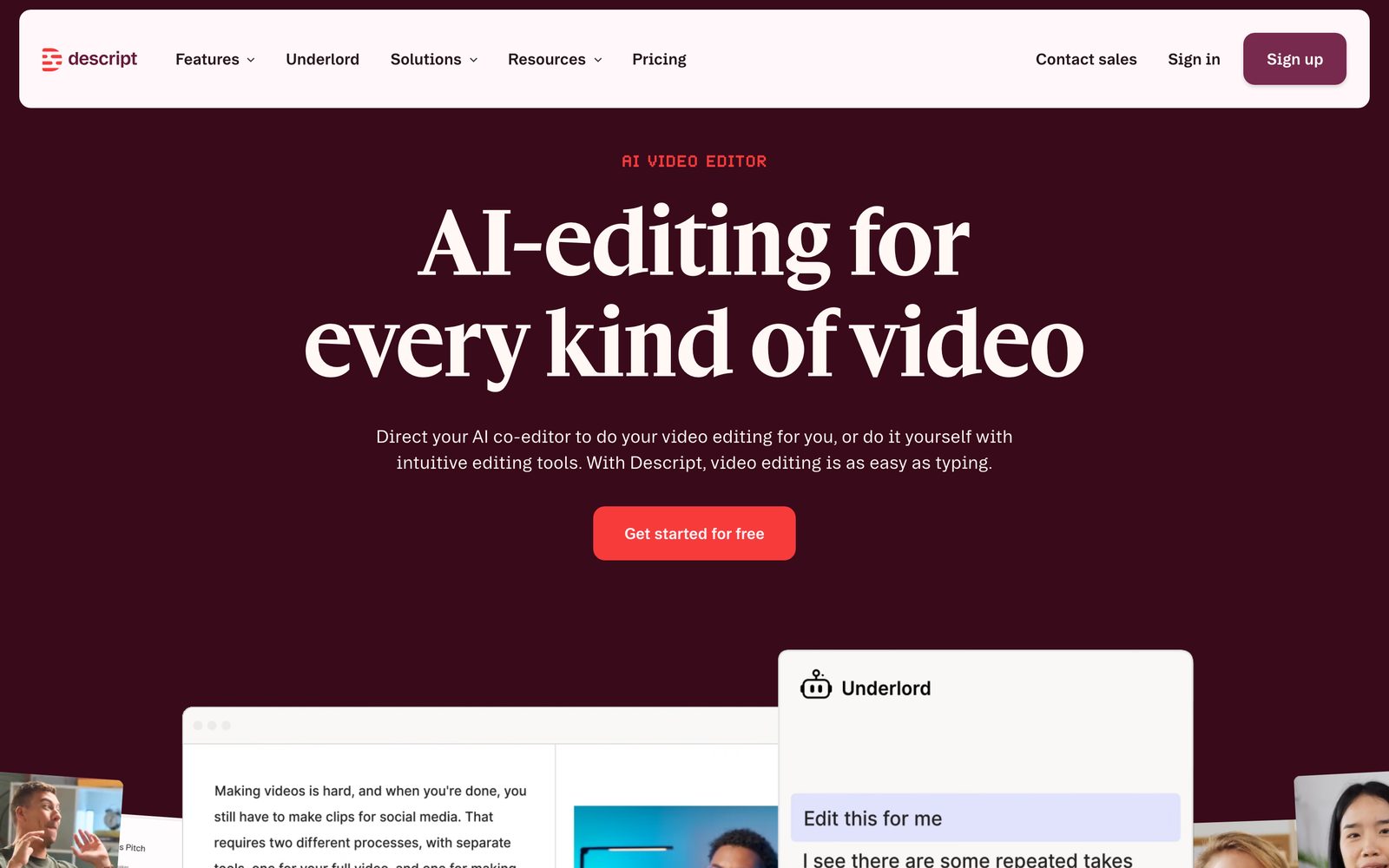
Descript turns the audio into a transcript and lets you edit the video by editing the words. Deleting a sentence cuts that part of the video. That makes it a strong choice when what you have is speech: interviews, podcasts, tutorials and talking-head clips. It is less suited to heavily designed, motion-graphics-style videos.
CapCut

CapCut is a timeline editor built around short vertical videos, with templates, effects and automatic captions. It is the easy pick for TikTok, Reels and Shorts. The free plan caps some of its AI features, and the Pro plan removes the caps.
Opus Clip
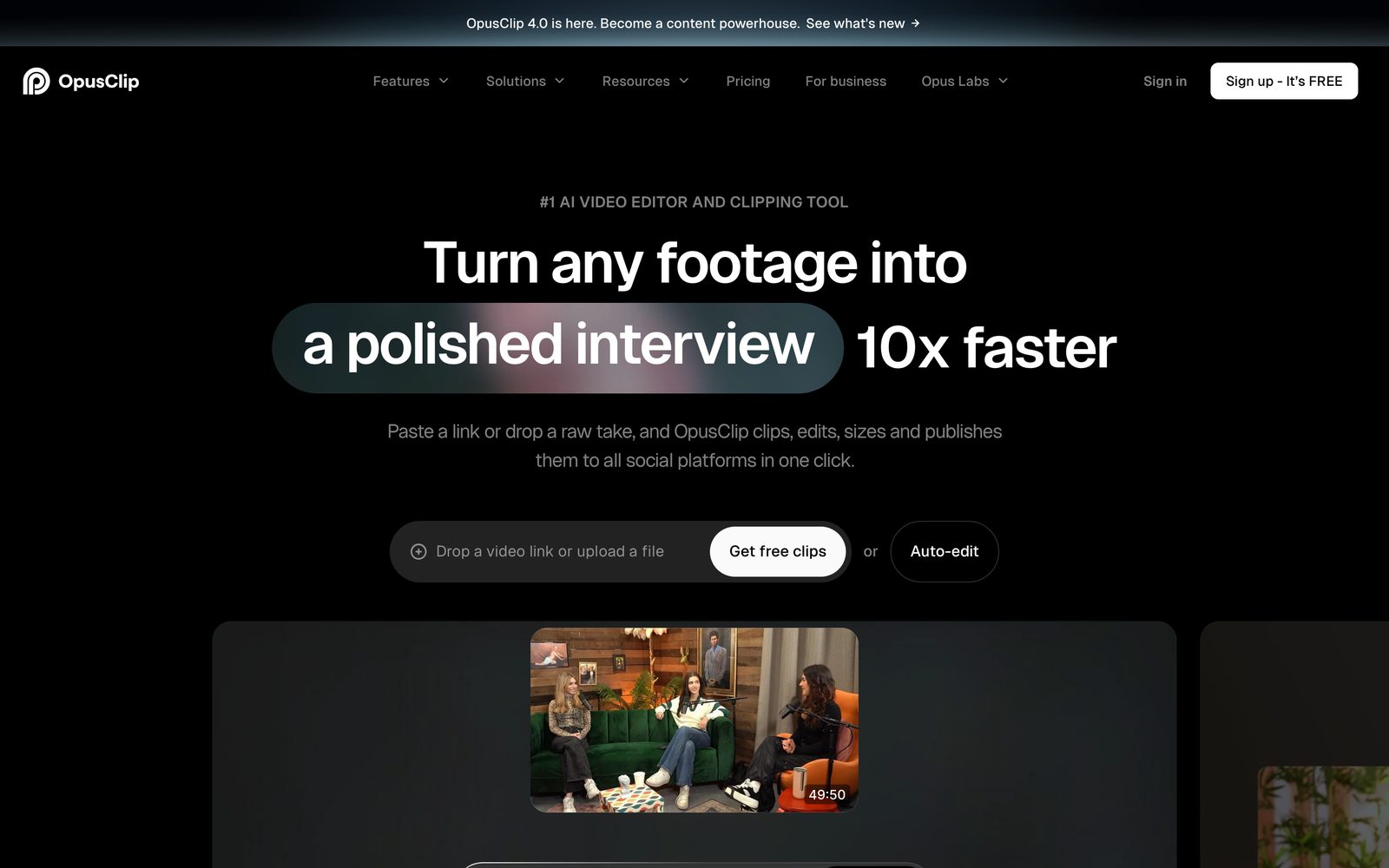
Opus Clip takes a long video, finds moments that work as short clips, and adds captions. It is priced by the minutes of source video you process, not by the clips you get back, so a long podcast costs more than a short one. It does one job, and does not replace an editor when you need to cut a video by hand.
Runway
Runway is mainly about generating and transforming video with AI models, paid for in credits. It suits filmmakers and designers who want new shots or restyled footage. The free plan gives a one-time batch of credits. It is not built to clean up a recording of someone speaking.
Clipchamp
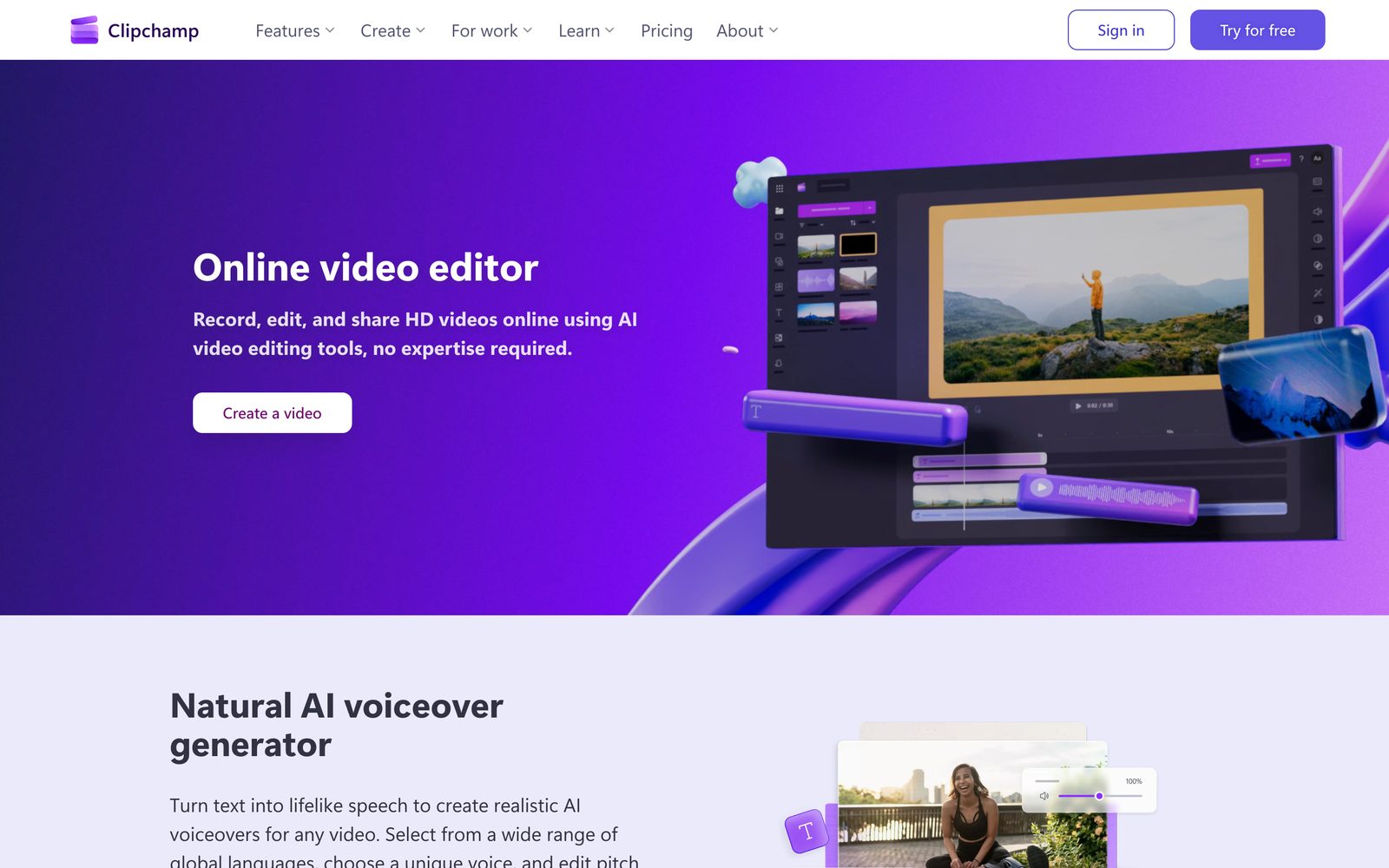
Clipchamp is Microsoft's editor, built into Windows. Its free plan includes AI captions, text-to-speech voiceover and silence removal, and the paid plan mostly adds 4K export and more stock media. It is a sensible default if you already use Windows and want something simple.
VEED and Kapwing
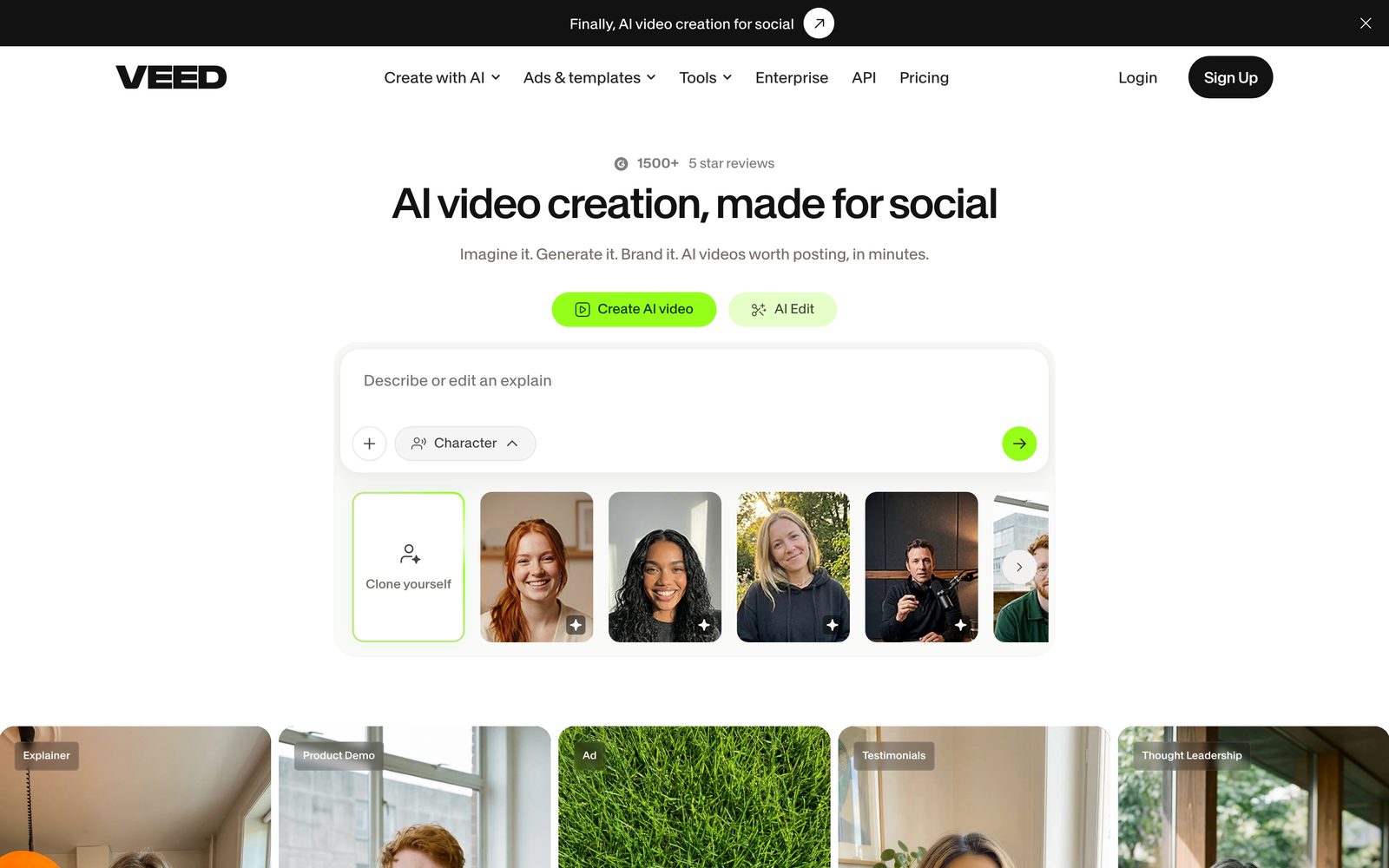
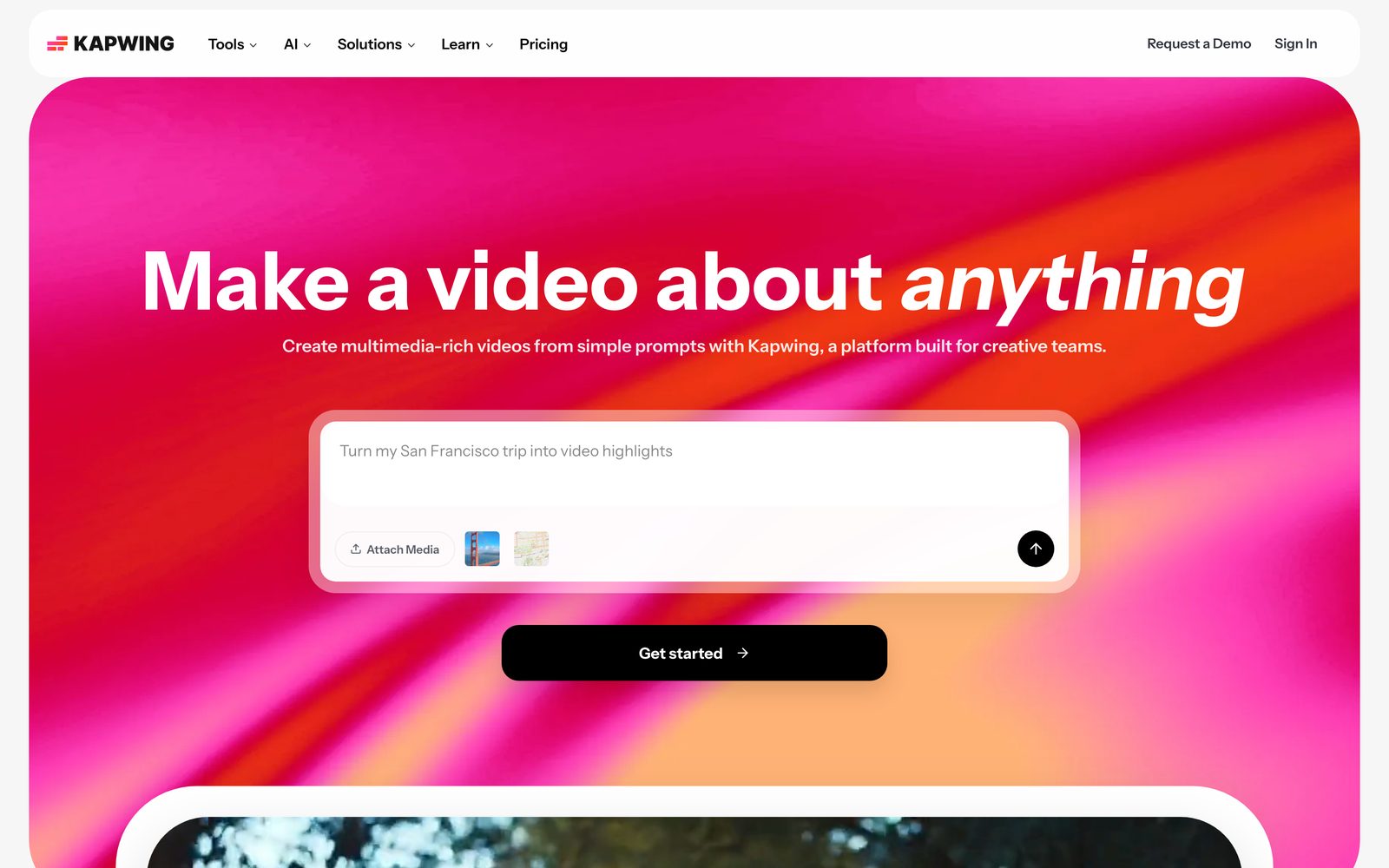
Both run in the browser and add AI tools such as subtitles and background removal to a familiar timeline. Free plans put a watermark on exports and cap quality. Kapwing charges per team member, so costs grow with the team. VEED's plan names and prices changed this year, and sources disagree on the current numbers, so check its pricing page.
HeyGen
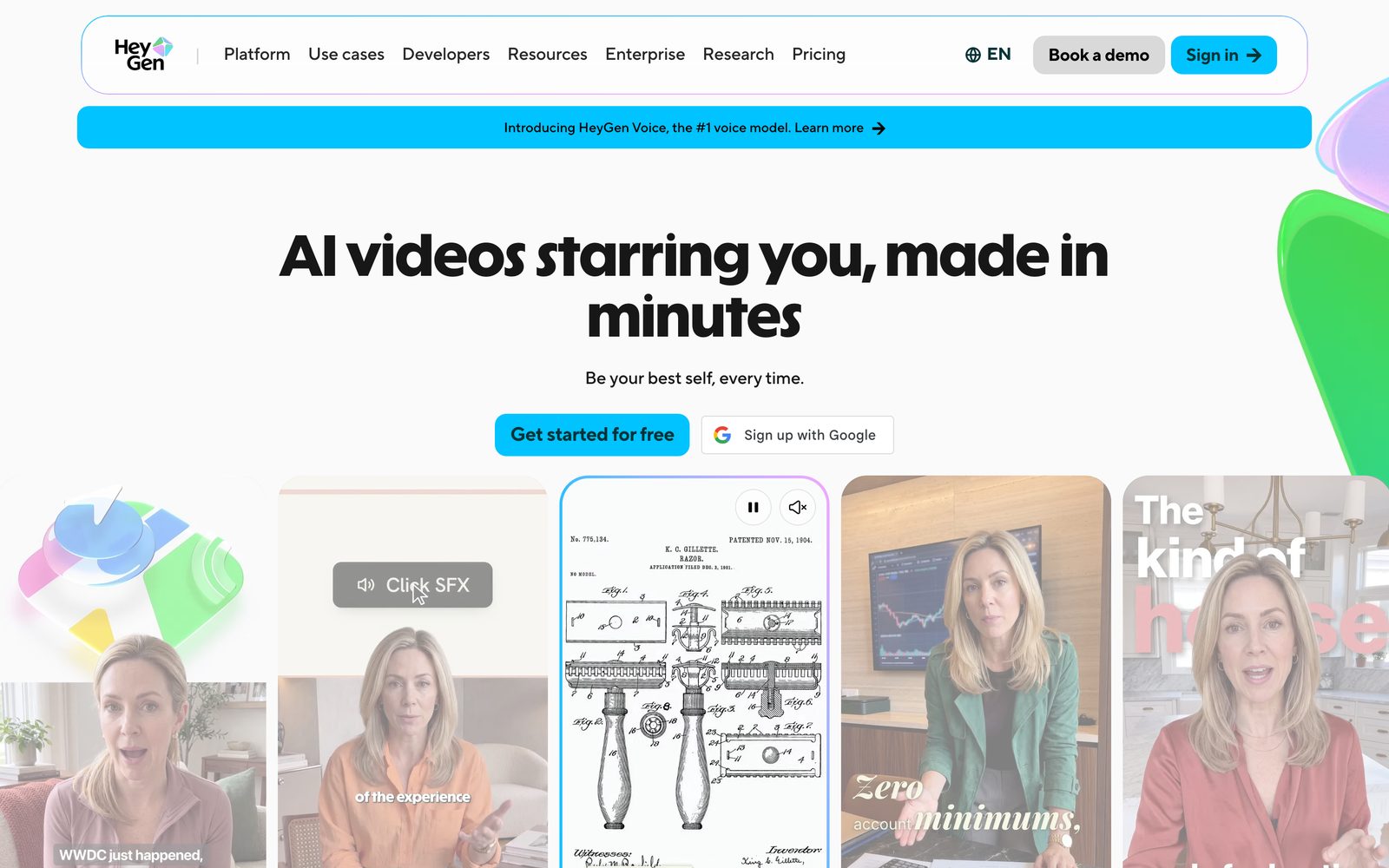
HeyGen makes videos with an AI presenter from a script. It also has a "Video Agent" that builds a video from a prompt. Credits are used per minute generated, and the rate has changed more than once this year. It is the closest match when the video is a person talking to the camera and you do not have a person.
AdaL
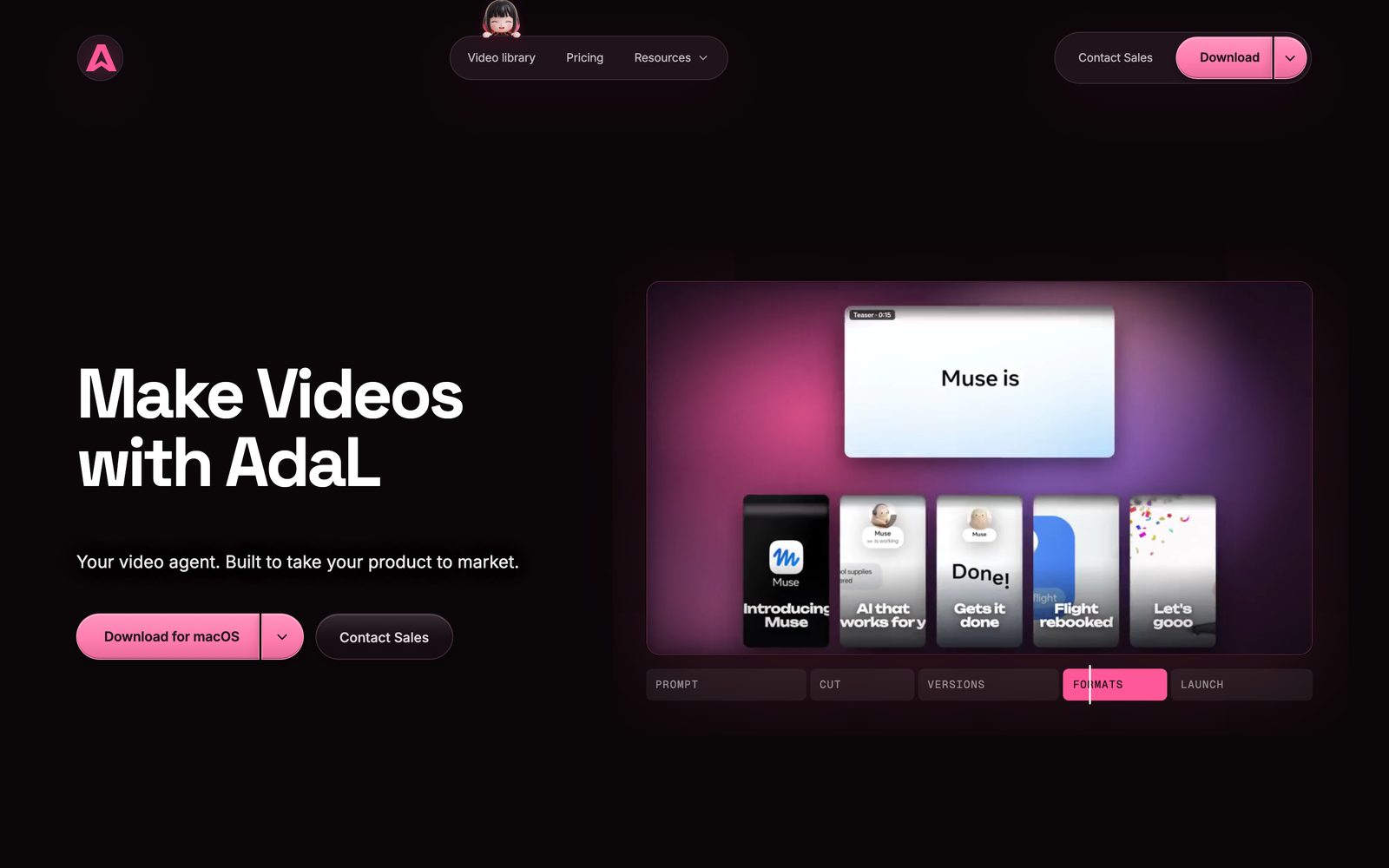
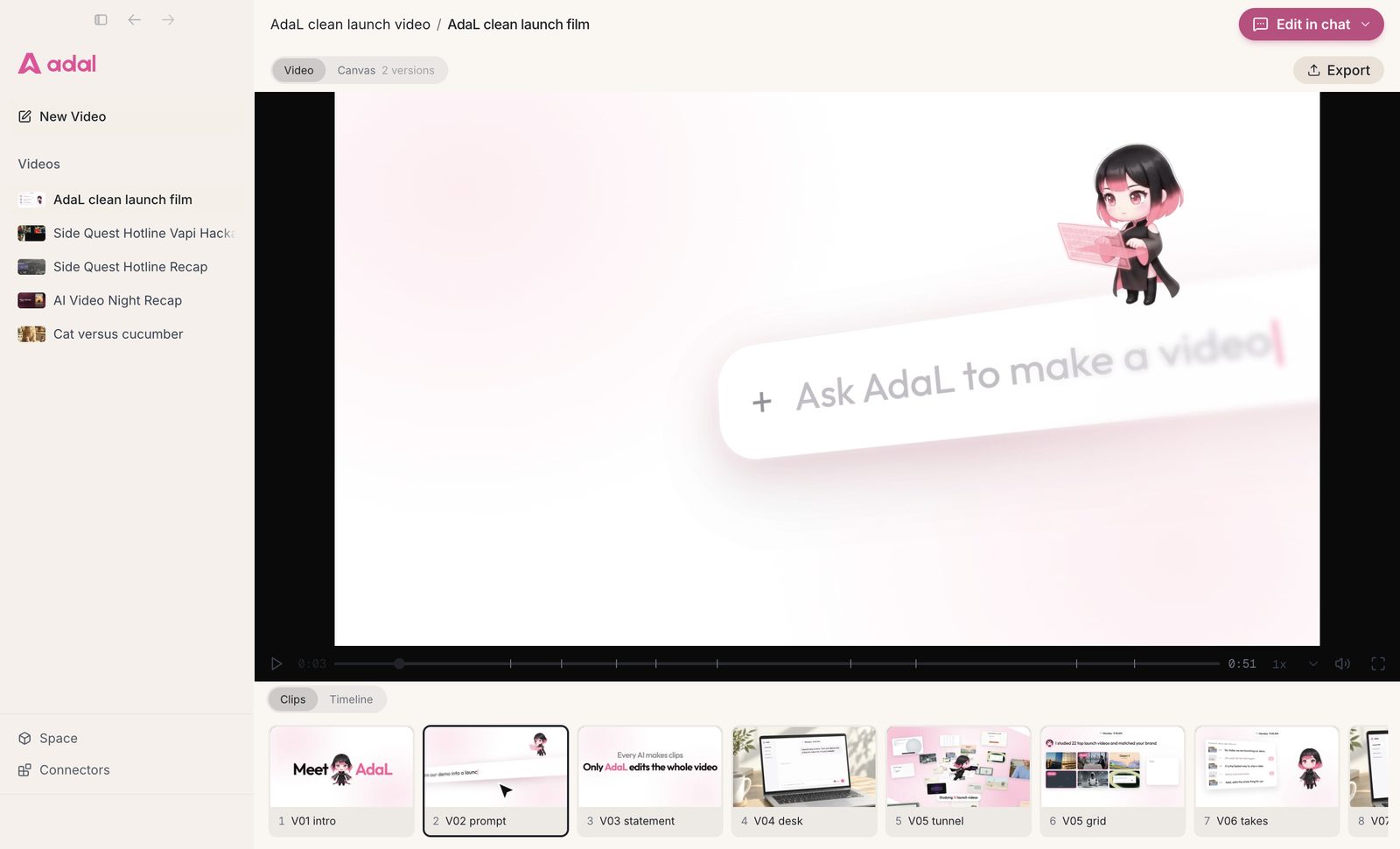
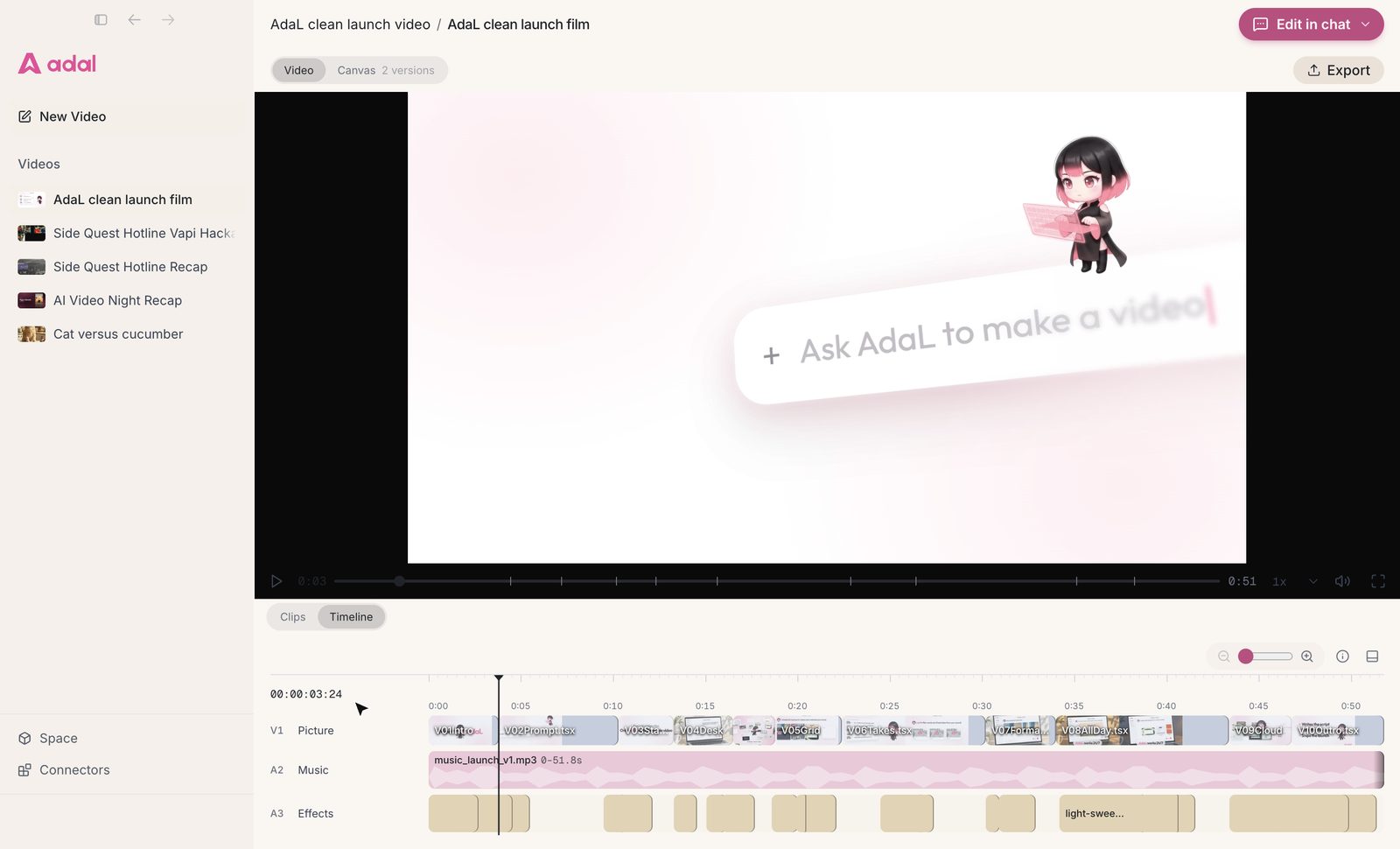
AdaL is an agent, not a timeline. You give it your footage and say what you want, for example "cut the pauses and filler words, add captions, and make a 60-second vertical version", and it plans the steps and does them. You then ask for changes in plain words. It can also write the script, add voiceover and music, and build motion graphics. It runs as a desktop app and in the terminal, and you can start on the Free plan; generating new video, image or audio uses credits.
Where it is weaker: it is a download, not a browser tool, it is a newer product than most on this list, and it has fewer ready-made templates than CapCut or VEED. See AdaL as an AI video editor and the video library for examples.
How to choose
- Start from the footage you have. Speech-heavy footage points to Descript or Clipchamp. A long recording you want clips from points to Opus Clip. No footage at all points to Runway or HeyGen.
- Decide how much you want to drive. A timeline gives control and takes time. An agent saves time and asks you to describe the result well.
- Check what the free plan really lets you export. Watermarks, 720p caps and time limits decide whether the free plan is usable for real work.
- Count credits, not just the monthly price. Generation tools charge per minute or per clip, and the cost depends on length.
- Try your own footage. Every tool here has a free plan or a trial. One real project shows more than any comparison.
Questions
What is the best AI video editor for beginners?
For simple short videos, CapCut and Clipchamp are the easiest to start with because they use a familiar timeline and have free plans. If you would rather describe the result than learn a timeline, an agent such as AdaL does the editing steps for you.
Is there a free AI video editor?
Yes. Clipchamp, CapCut, Descript, VEED, Kapwing and AdaL all have free plans, with limits on exports, AI features or credits. Check the limits before you rely on one for real work.
What is the difference between an AI video editor and an AI video generator?
An editor works on footage you already have: cutting, captions, sound and layout. A generator makes new clips from a prompt or an image. Some tools do both, and AdaL can use a generator when a video needs a new clip.
Can an AI edit a video from a text prompt?
Yes, for many edits. You describe what to cut, caption or add, and the tool or agent makes the changes. You still review the result and ask for corrections, so plan time for a second pass.
Try AdaL on your own footage
Start free. Describe the edit, and AdaL does the steps.