
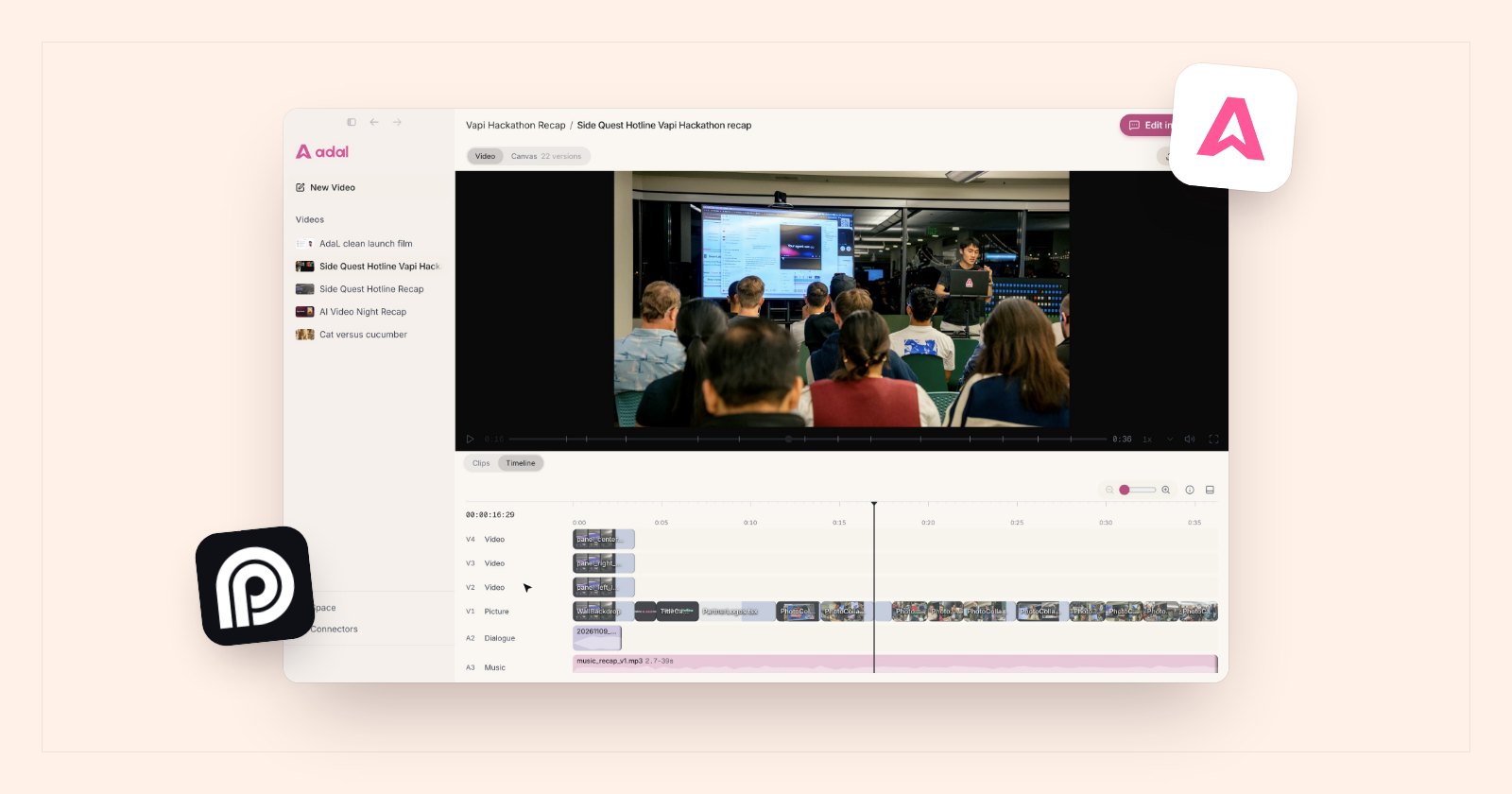
A 50-minute episode usually has three to six moments that stand on their own: a strong opinion, a surprising number, a story with a clear ending. Short clips of those moments are how most people find a podcast now. Cutting them by hand means scrubbing the whole recording, so this is the job AI clip makers were built for.
What an AI clip maker actually does
- Transcribes the recording, so it can work on the words instead of the waveform.
- Finds candidate moments: passages that make sense without the rest of the episode.
- Cuts on sentence boundaries, so a clip does not start mid-word or end before the point lands.
- Cleans the speech: removes long silences and filler words like "um" and "you know".
- Adds captions burned into the video, because many people watch short clips with the sound off.
- Crops to vertical (9:16) or square (1:1) and keeps the speaker in frame.
Step by step
1. Start from the best recording you have
Use the original file, not a compressed upload from YouTube. If you recorded each speaker on a separate track or camera, keep those files: clean audio makes the transcript better, and a separate camera per speaker makes the vertical crop easier.
2. Say what a good clip is for your show
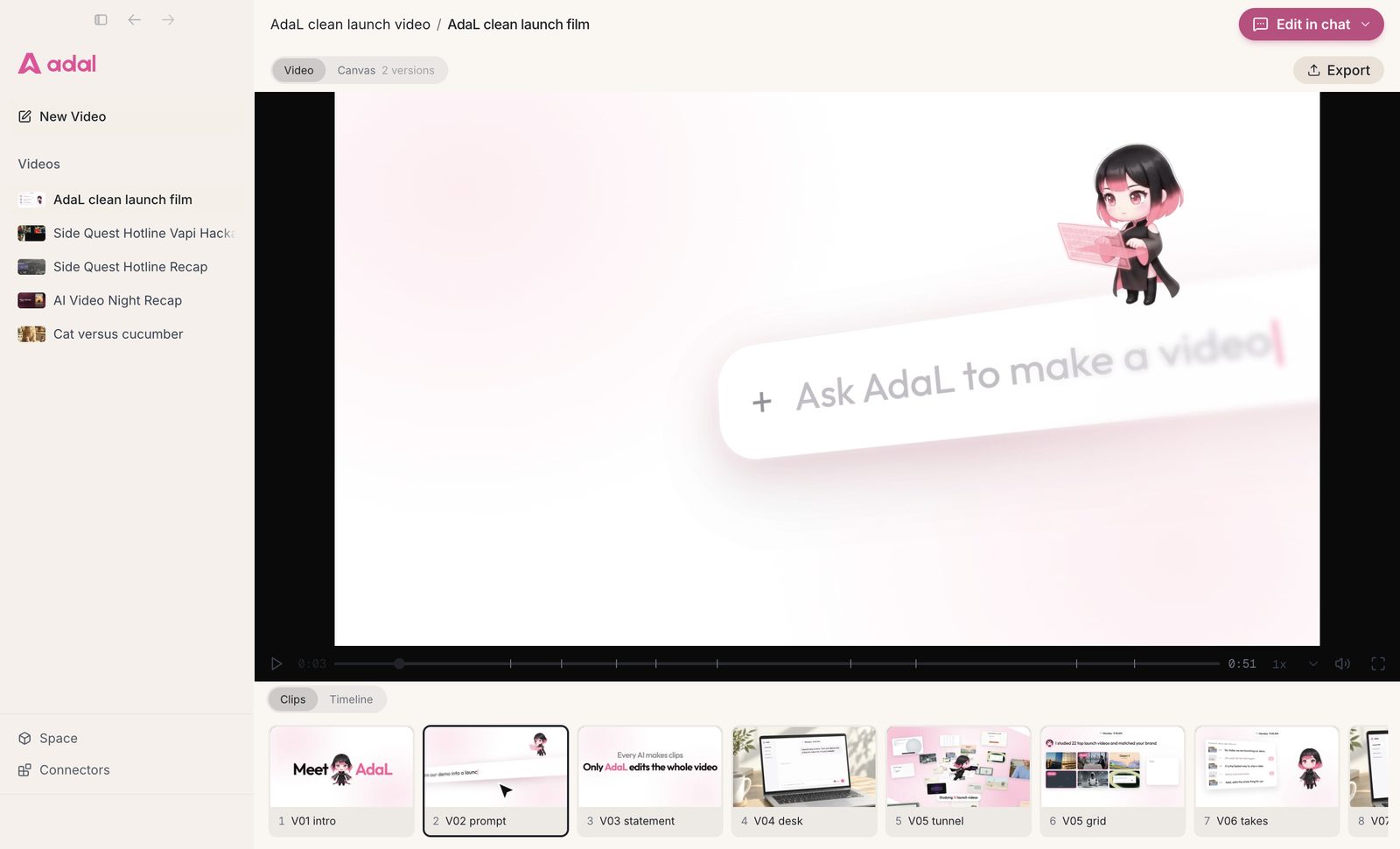
Every tool can find "interesting" moments, but you know your audience. Give it a rule: clips under 60 seconds, one idea each, no inside jokes, open on the claim and not on the setup. With AdaL you write this in plain words, for example: "Here is our 50-minute interview. Find the five best moments, remove filler words, add captions, and make a vertical clip of each."
3. Review the moments before anything is rendered
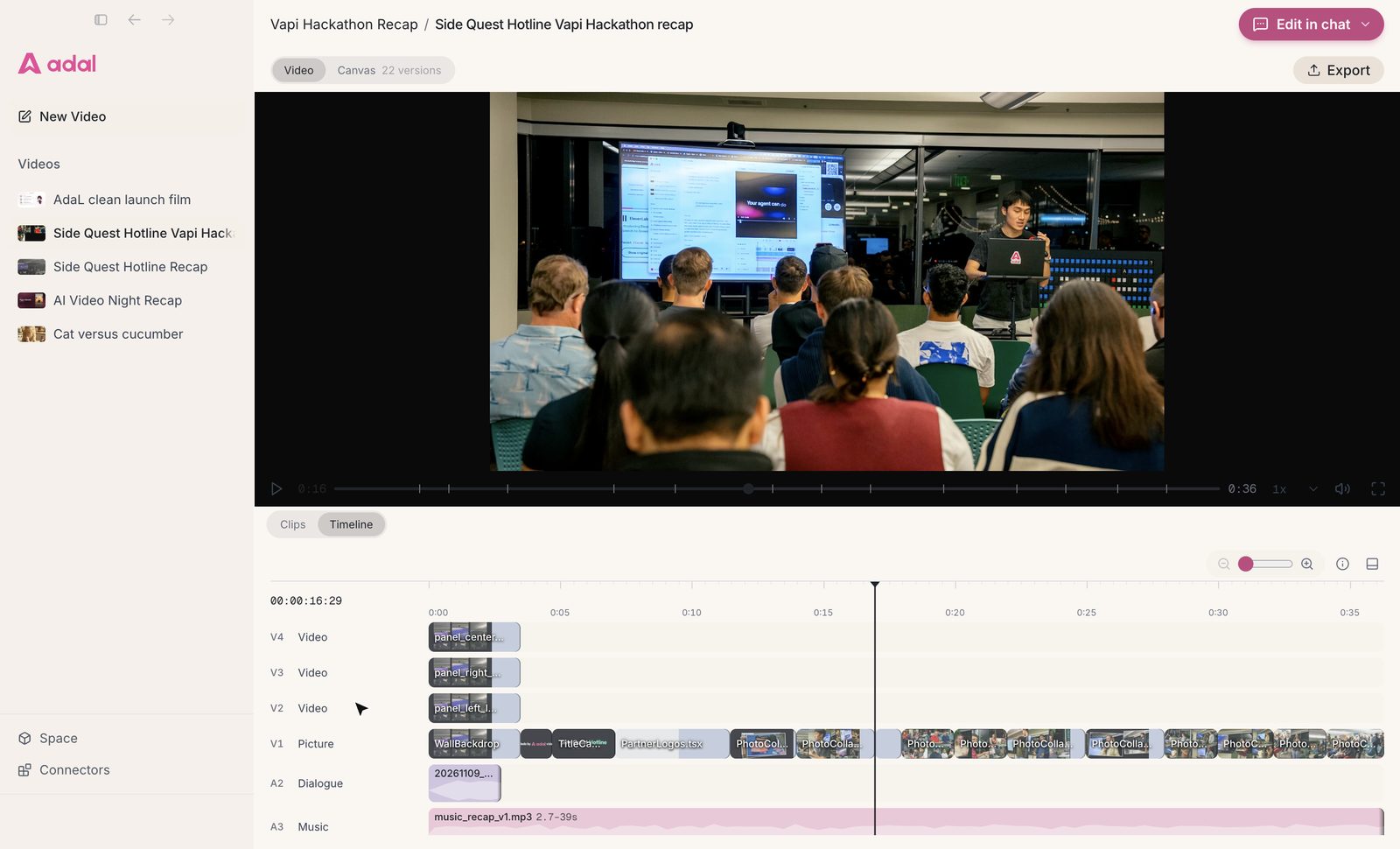
Ask for the list first: start and end time, the opening line, and why each moment was picked. Keep the ones you like, drop the rest, and ask for others ("something about pricing", "the story about the first customer"). This takes a few minutes and saves rendering clips nobody will post.
4. Check the first and last sentence of every clip
The most common problem is a clip that starts with "So, and that is why" or ends a beat too early. Read the first and last line of each clip. If one leans on context from earlier in the episode, either extend it or add a one-line title on screen that sets it up.
5. Read the captions once
Speech recognition is very good now, but it still gets names, product names and jargon wrong. Give the tool a short list of names and terms before it captions, then read each clip's captions once before you export.
6. Export one version per platform
Vertical 9:16 for TikTok, Reels and Shorts; square or 4:5 for LinkedIn and X feeds. Keep caption text out of the bottom and right edges, where the platforms put their own buttons.
Which tool to use
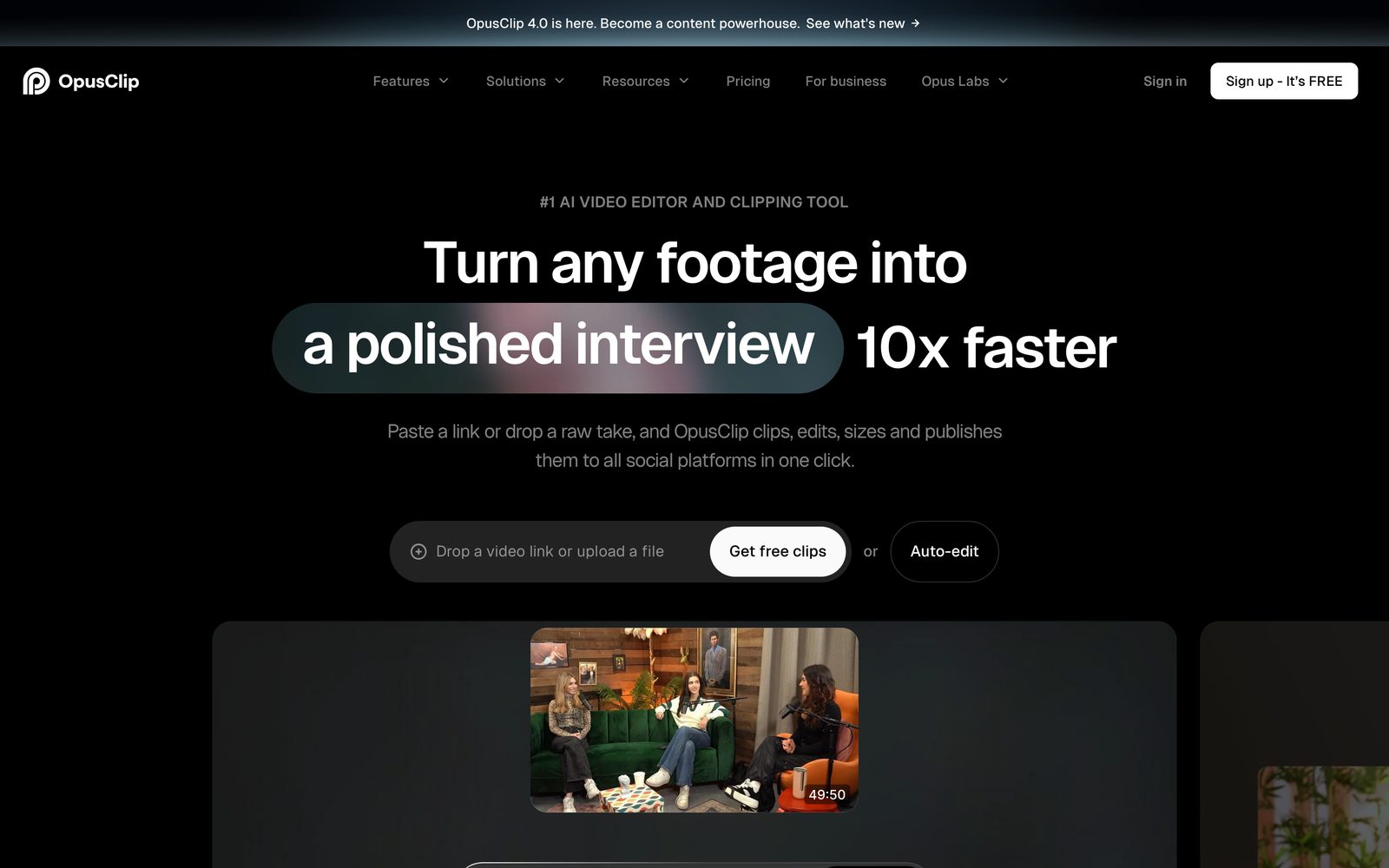
- Opus Clip
- Descript
- CapCut
- AdaL




| Tool | How it works | Good when |
|---|---|---|
| Opus Clip | Upload a long video, get a set of captioned short clips | You want clips fast and will pick from what it suggests |
| Descript | Edit the transcript and the video follows | You want to choose and trim each clip by hand, word by word |
| CapCut | Timeline editor with auto captions and templates | You already have the moments and want styled vertical edits |
| AdaL | Describe the clips in chat, an agent finds the moments and cuts them | You want to set rules for the clips, review the list, then get them cut with captions and crops |
For a wider comparison of editors, including timeline tools and generators, see the best AI video editors in 2026.
Mistakes that make clips flop
- A slow open. The first second decides whether people stay. Start on the claim, not on "Great question".
- Two ideas in one clip. If you need "and also", it is two clips.
- Captions nobody can read. Large text, high contrast, a few words at a time.
- Posting everything the tool found. Five good clips beat twenty average ones.
Questions
What is an AI clip maker?
A tool that takes a long video or podcast, finds the moments that work on their own, and cuts them into short clips, usually with captions and a vertical crop.
Can I make clips from an audio-only podcast?
Yes. Most tools, AdaL included, can make captioned clips with a waveform or a still image when there is no video. Clips with a face on camera usually hold attention better, so record video if you can.
How long should a podcast clip be?
Long enough to make one point, usually 20 to 60 seconds. Cut on a sentence boundary and end on the line that lands the point.
Will the AI pick the same moments I would?
Often, but not always. Treat its picks as a shortlist: review the list, keep the good ones, and ask for more on the topics you care about.
Try AdaL on your own footage
Start free. Describe the edit, and AdaL does the steps.